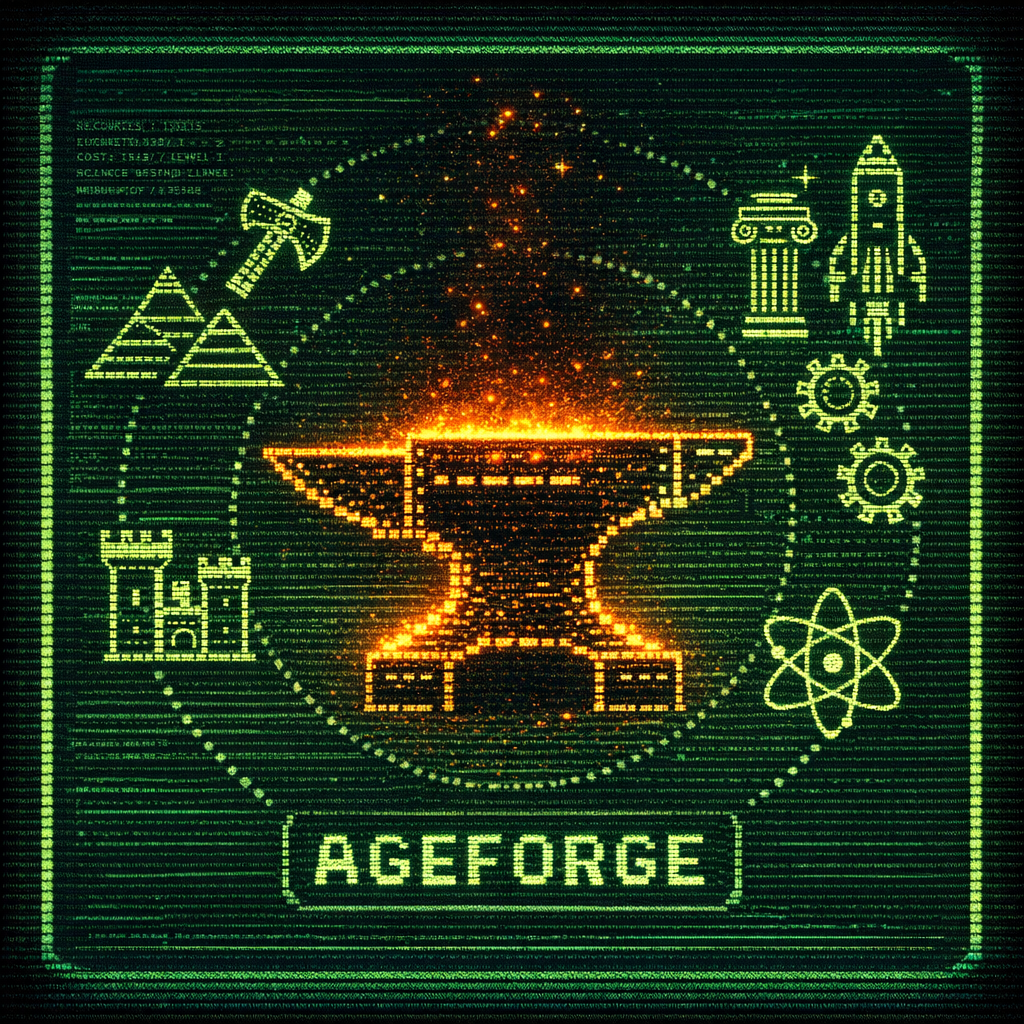
⚡ IDLE · STRATEGY · TERMINAL

AGE
FORGE

Build civilizations from stone tools to the stars.
22 Ages · 80 Buildings · 52 Technologies.
All inside your terminal.

22Ages
80Buildings
52Techs
Prestige
ageforge — 130×40

One Terminal. An entire civilization.

No browser needed! No install wizard and no cloud account. Just old school keyboard and a terminal wide enough to dream big.

🏗

Build an Empire

80 buildings spanning 22 ages — from crude huts to the Sphinx, Colosseum, and space stations. Each wonder grants permanent civilization-wide bonuses.

🔬

Research Technologies

52 technologies multiply production, unlock mechanics, and reveal new paths. Prerequisite chains mean every choice shapes your civilization differently.

⚔️

Military Expeditions

15 expeditions with escalating risk and reward. Deploy soldiers to raid ancient ruins, defend trade routes, or conquer distant lands for massive loot.

💹

Trade & Diplomacy

15 trade routes and 6 NPC factions with living opinions. Gift, negotiate, rival, or ally — your diplomatic status reshapes exchange rates and bonuses.

Prestige System

Reach the Transcendent Age and sacrifice your civilization for 9 permanent prestige upgrades. Each run starts faster, stronger, and opens new strategies.

🏆

Milestones & Titles

33 milestones across 5 chains. Complete chains to earn civilization titles — Warlord, Sage, Architect — and unlock temporary speed boosts.

22 Ages of History

From survival in the wilds to transcendence beyond the stars — each age unlocks new buildings, resources, and mechanics.

How to Play

AgeForge is command-driven. Buildings construct over ticks, resources accumulate — you steer the direction.

01

Launch the game

Run the binary in your terminal. A full-screen TUI appears immediately, no setup required.

./ageforge
02

Build your first structures

Type commands at the > prompt. Huts increase population cap; stashes store more resources.

build hut
build stash
03

Recruit and assign villagers

Villagers passively generate resources when assigned. Idle villagers waste potential.

recruit villager
assign worker food 3
04

Research technologies

Spend knowledge on technologies that multiply output and unlock new buildings and mechanics.

research basic_tools
research agriculture
05

Advance through the ages

The status bar shows what you need for the next age. Hit the requirements and the game advances automatically.

→ Stone Age unlocked!
→ New buildings available
06

Prestige and transcend

Once you reach the Transcendent Age, reset for permanent upgrades and start again — faster, stronger, further.

prestige go

Commands at a glance

Everything happens through the command prompt. Press F1–F7 to switch panels, Esc to save.

Building

build <key>Construct a building
build cancelCancel current build
gather <res> <n>Manually gather resources

Villagers

recruit villagerRecruit a new villager
assign <type> <res> <n>Assign workers
unassign <type> <res> <n>Free up workers

Research

research <key>Start researching a tech
research cancelCancel active research

Military

expedition <key>Launch an expedition
speed <1-5>Set game speed

Trade

trade start <key>Start a trade route
trade stop <key>Cancel a trade route
diplomacy gift <faction>Improve relations

Wonders & Prestige

wonder collect <res> <n>Bank resources for a wonder
prestige goTrigger prestige reset
prestige buy <key>Buy prestige upgrade

Full command reference → Wiki: Commands

Download & Install

A single static binary. No runtime, no dependencies, no installer.

1. Download the binary
curl -L https://github.com/espresso20/ageforge/releases/latest/download/ageforge-darwin-arm64 -o ageforge
2. Make it executable
chmod +x ageforge
3. Run
./ageforge

💡 Intel Mac? Use ageforge-darwin-amd64 instead.

1. Download the binary
curl -L https://github.com/espresso20/ageforge/releases/latest/download/ageforge-linux-amd64 -o ageforge
2. Make it executable
chmod +x ageforge
3. Run
./ageforge

💡 ARM server? Use ageforge-linux-arm64 instead.

Download ageforge-windows-amd64.exe from the releases page and run it in Windows Terminal for full color support.

.\ageforge-windows-amd64.exe

⚠ Use Windows Terminal or a modern emulator — cmd.exe doesn't support ANSI colors.

Requires Go 1.22+
git clone https://github.com/espresso20/ageforge.git
cd ageforge
go build -o ageforge .
./ageforge

Join the Community

Share strategies, report bugs, suggest features, and chat with other players on Discord.

Join Discord

Support the Project

AgeForge is free and open-source, built solo. If it's eaten your afternoons, a coffee goes a long way.

Buy me a coffee